
Canva AI Video Training
Below you’ll find my webinar - How to master Canva’s AI tools for on-brand content creation. Please also scroll down to see the resources mentioned in this video as well as the Do and Learn Interactive Workbook.
Interactive Workbook
To use the Canva AI Tools, you’ll need a Canva Pro account. Please feel free to use my FREE trial link below. The recording is below this section.

Canva Pro - Free 30 Day Access

Do & Learn Interactive Workbook
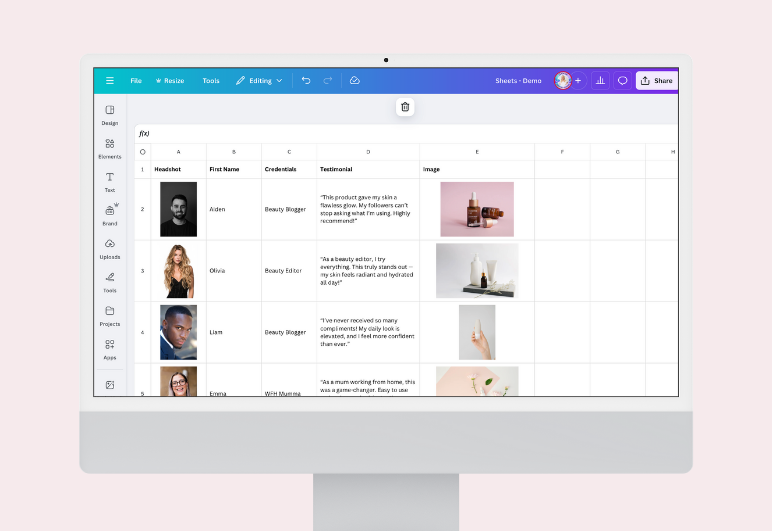
Canva Sheets - Completed Template
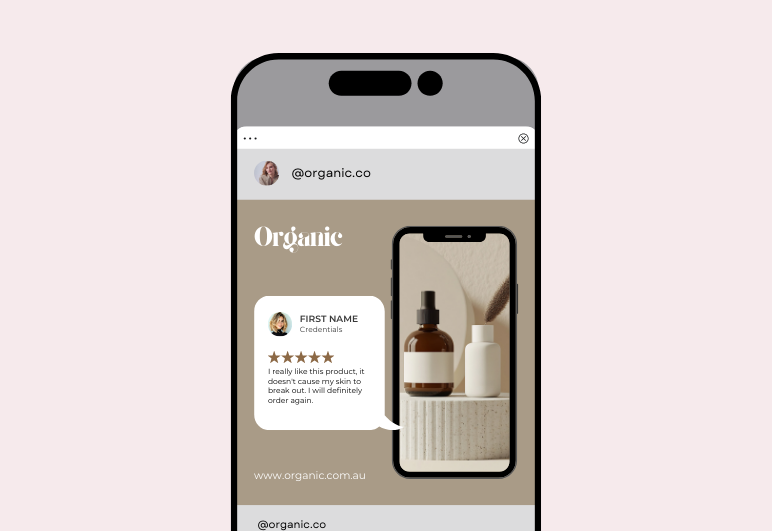
Bulk Create Template
Join my VIP Waitlist
Never feel stuck, alone, or overwhelmed by a sea of Canva templates and mismatched designs again. Join the waitlist for my extraordinary Canva mastery program and experience a haven of unwavering support, boundless creativity, and relentless focus on your success.
By application only!
Secure your spot on the waitlist today and be the first to know when my applications open.